Quickstart
Extract structured data from a document in under five minutes. Two ways to do it:
- From the dashboard — click through it, no code.
- With code — call the API or SDK.
Extract from the dashboard
1. Create a workspace
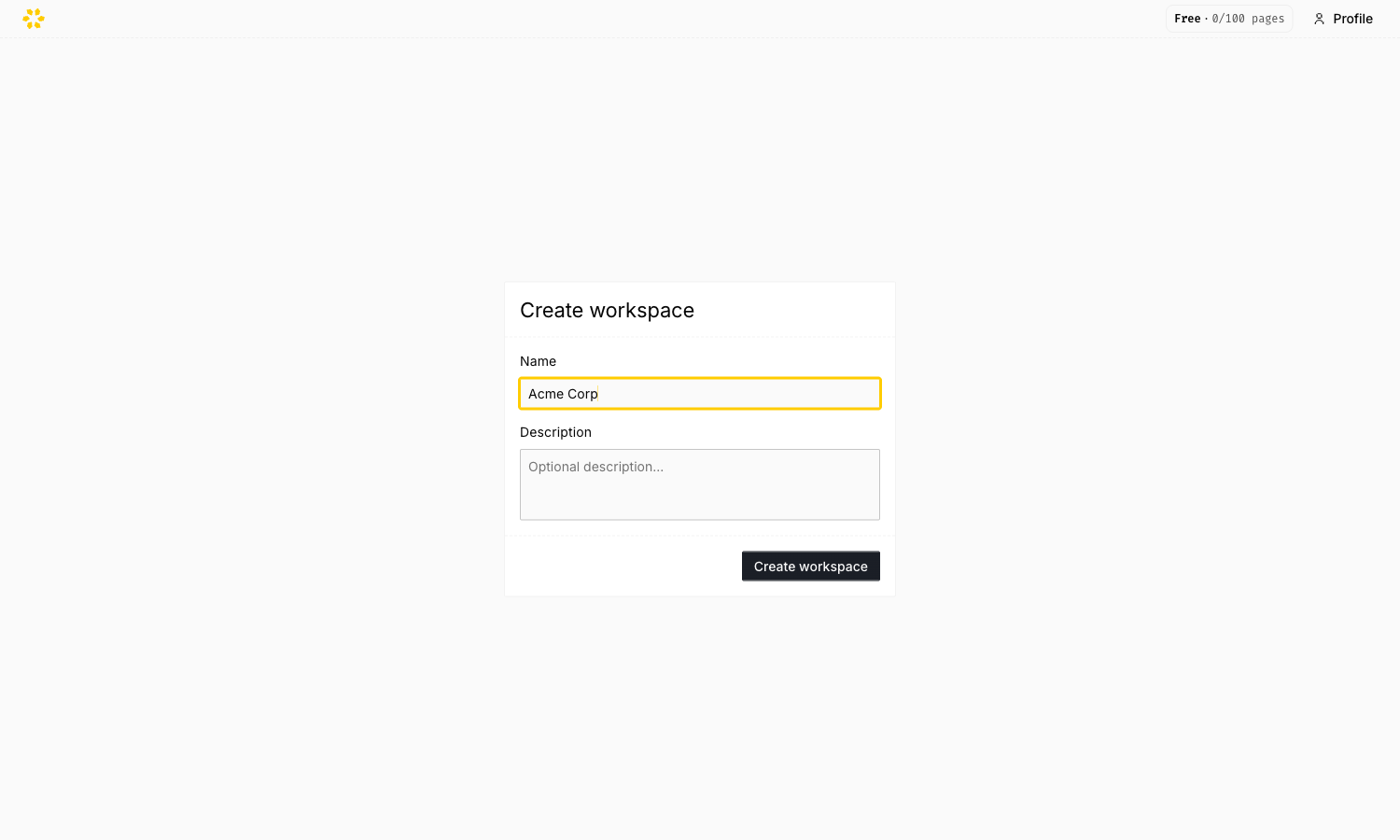
Sign up and verify your email. On first sign-in you land on the create-workspace screen — give it a name and continue.
2. Create a schema
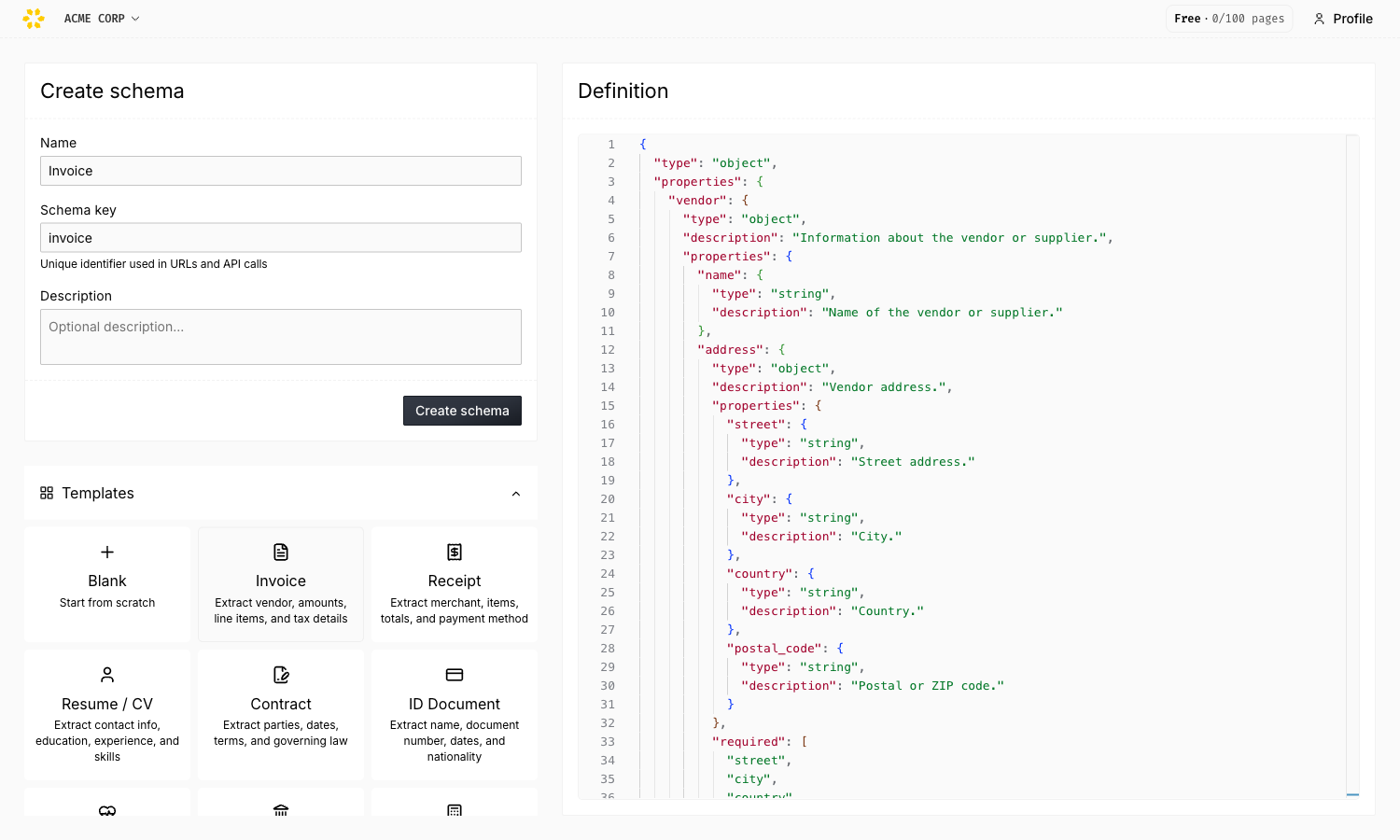
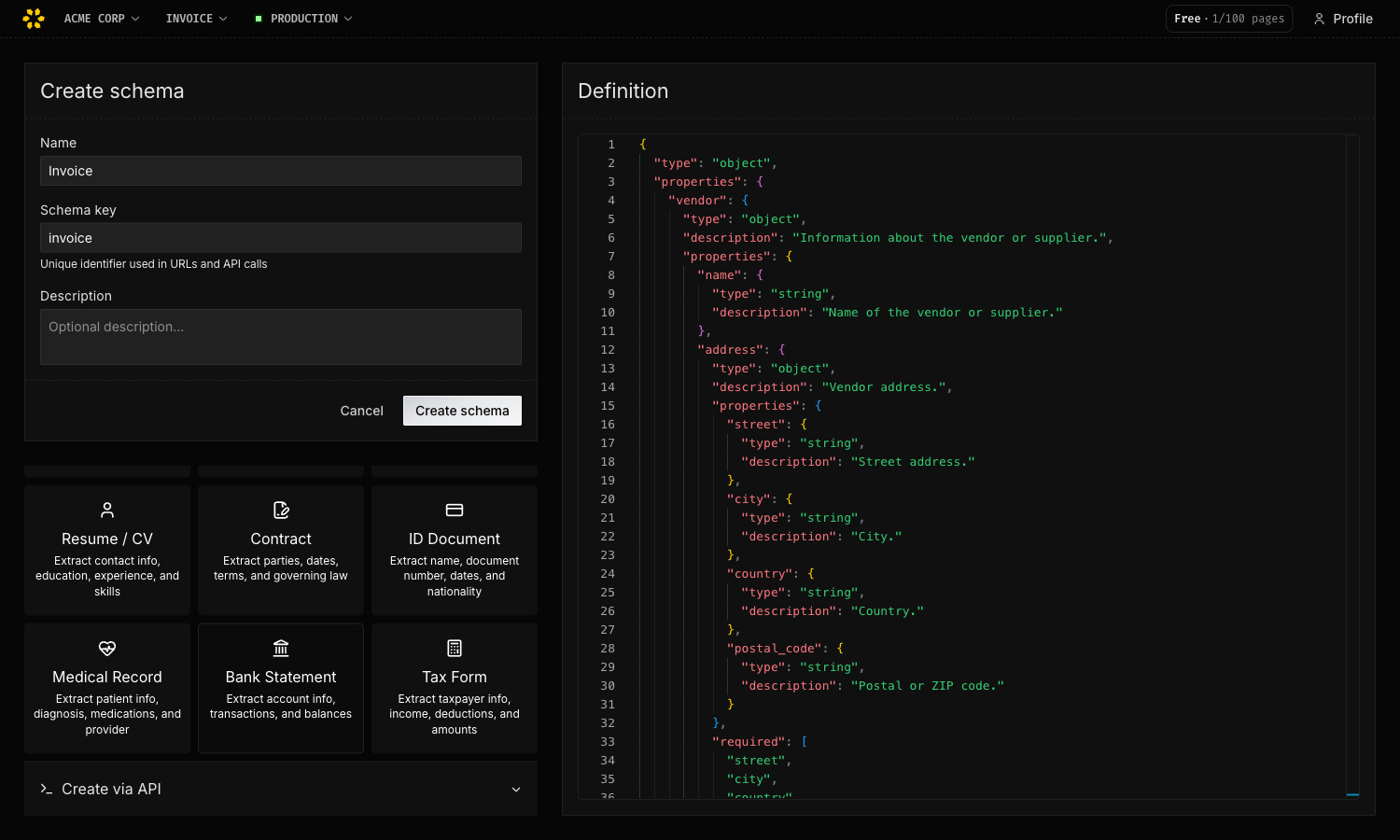
Name your schema and give it a key (used in URLs and API calls), then define the fields to extract — start from a template (Invoice, Receipt, Resume, Contract, ID Doc, Medical Record, Bank Statement, Tax Form) or a blank object.
3. Upload a document
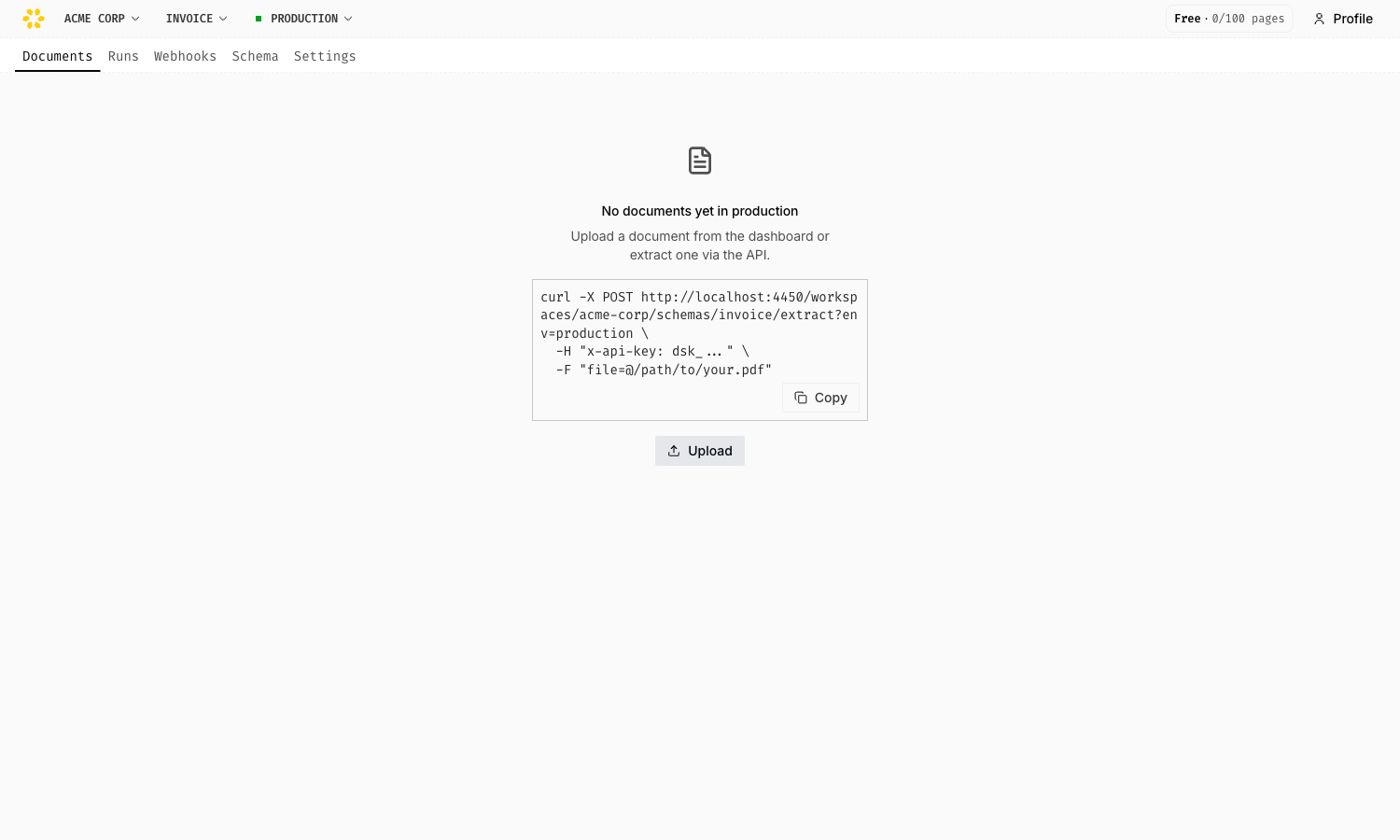
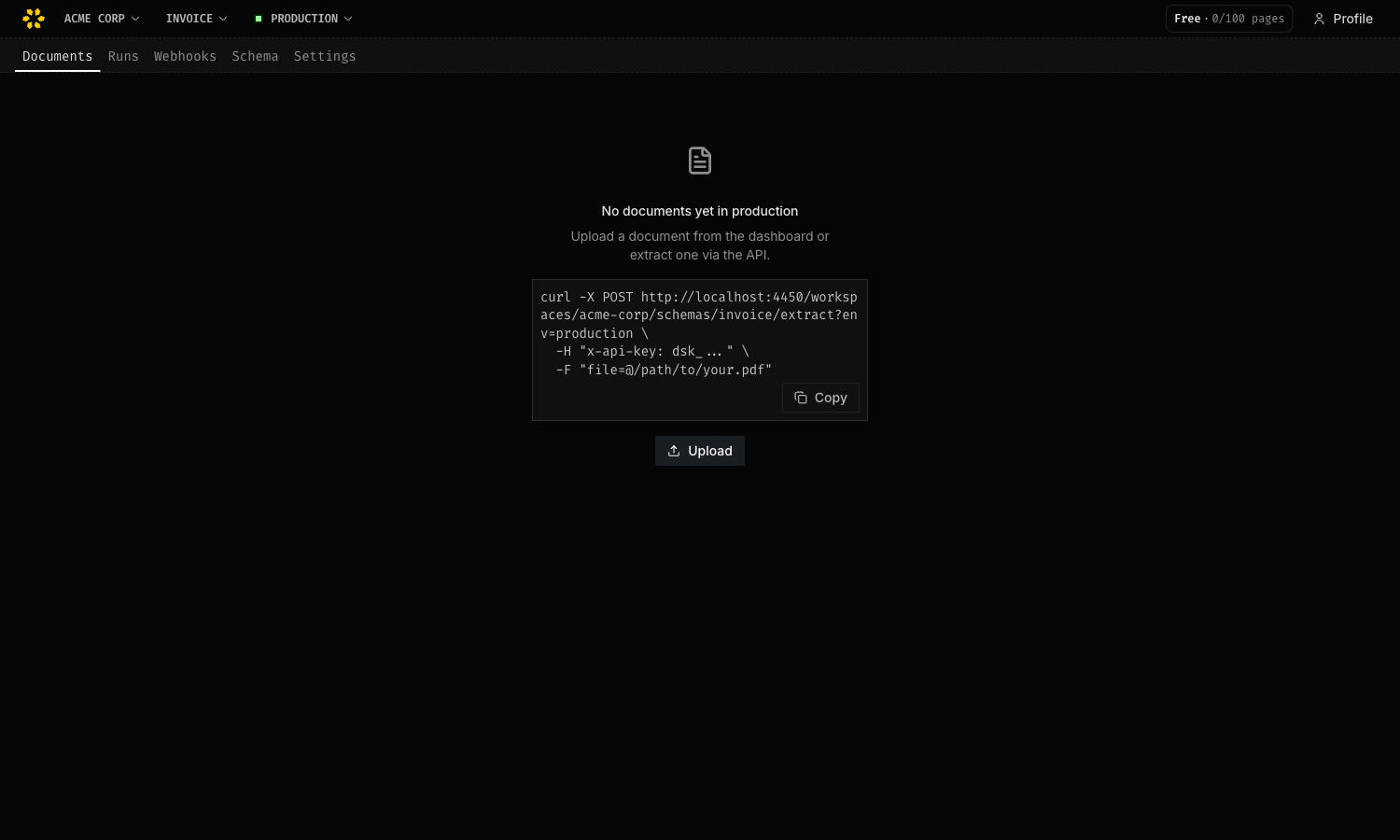
On the documents page, click Upload and choose a file. Uploading runs the extraction automatically — there’s no separate “extract” step.
4. View the extracted data
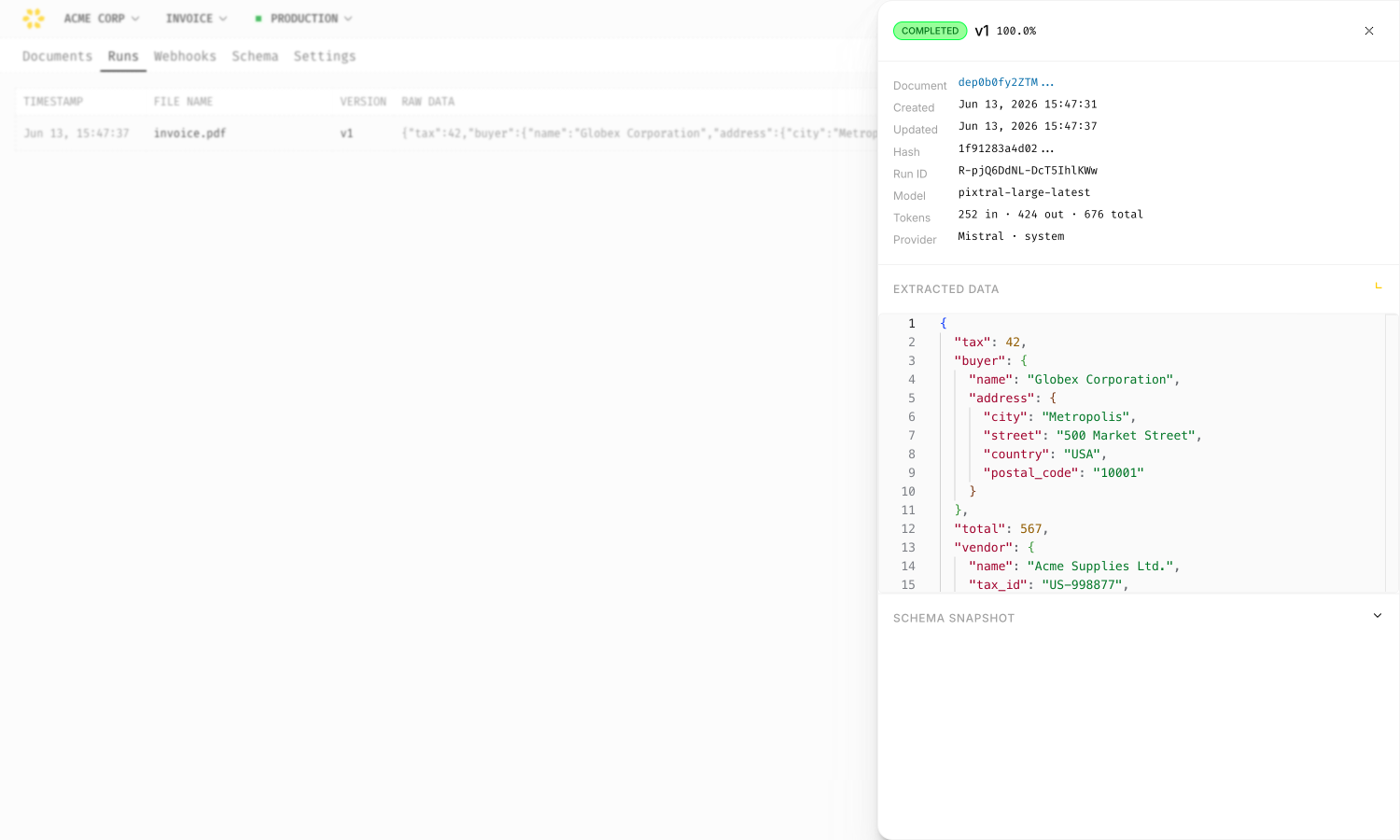
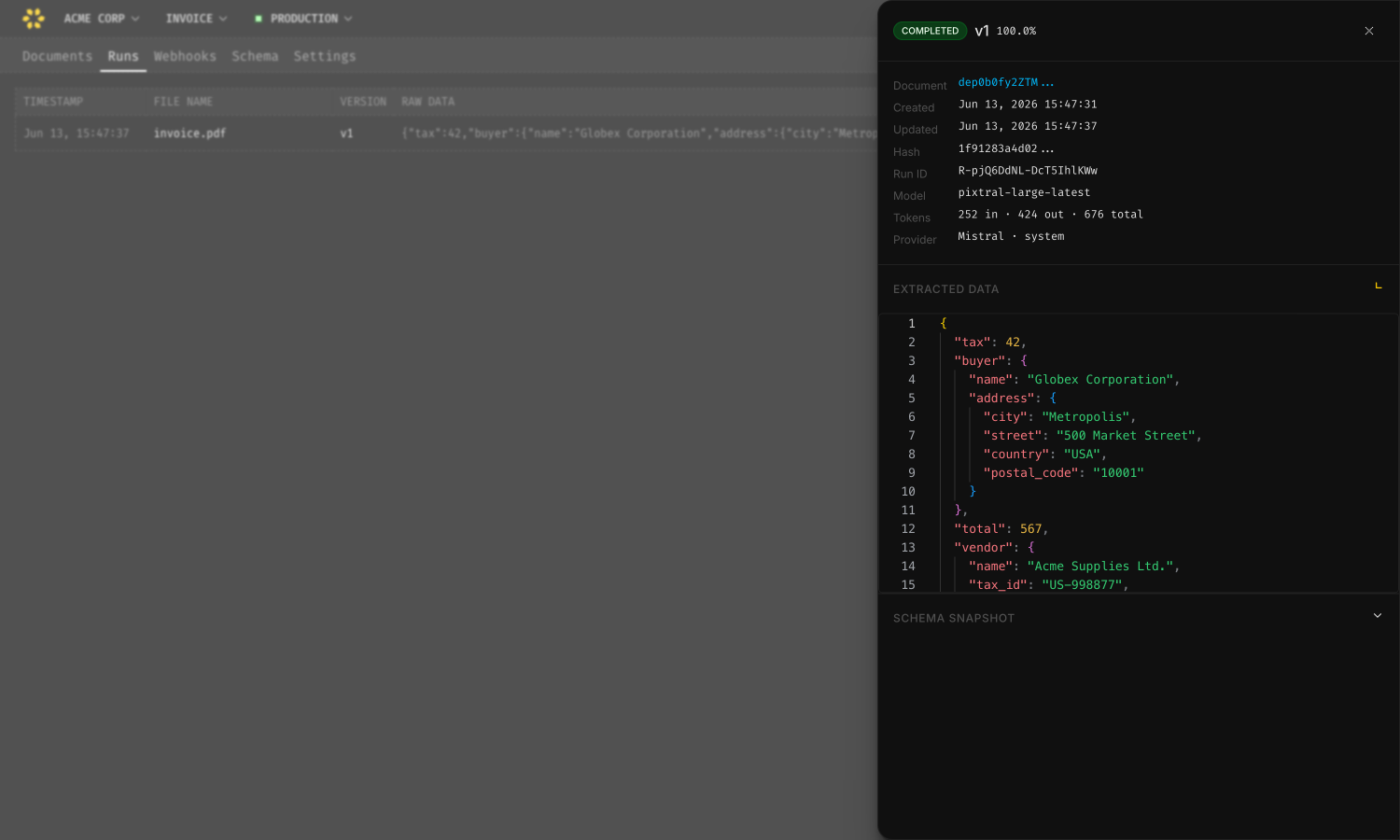
When the run finishes, the document row shows the extracted JSON. Click the row to open the detail panel with the full result. Every run is also listed under Runs, with the model used, token usage, and the exact schema version.
Extract with code
1. Get your API key
Create a key under Profile → API keys in the dashboard, then export it. Account-scoped keys work across all your workspaces; to restrict a key to a single workspace and environment, create it from that schema’s settings instead. See Authentication for details.
export TRACORE_API_KEY="dsk_..."2. Install the SDK
npm install @tracore/sdk3. Create a client
import { TracoreClient } from '@tracore/sdk';

const client = new TracoreClient({
  apiKey: process.env.TRACORE_API_KEY!,
});
4. Extract structured data
A single extract call uploads the document, defines the schema inline (creating
and versioning it automatically on first use), and runs the extraction. Pass
poll: true to wait for the result. Use your workspace slug and any schemaKey
you like — it’s created on the fly from the inline schema.
import { readFileSync } from 'node:fs';

const file = new Blob([readFileSync('./invoice.pdf')], {
  type: 'application/pdf',
});

const run = await client.extract('my-workspace', 'invoice', {
  file,
  fileName: 'invoice.pdf',
  schemaName: 'Invoice',
  schema: {
    type: 'object',
    properties: {
      invoiceNumber: { type: 'string', description: 'Invoice number' },
      date: { type: 'string', description: 'Invoice date' },
      totalAmount: { type: 'number', description: 'Total amount due' },
      vendor: { type: 'string', description: 'Vendor or supplier name' },
      lineItems: {
        type: 'array',
        items: {
          type: 'object',
          properties: {
            description: { type: 'string' },
            quantity: { type: 'number' },
            unitPrice: { type: 'number' },
          },
        },
      },
    },
  },
  poll: true,
});
Already created the schema in the dashboard? Upload and extract against its latest version in one call:
curl -X POST "https://api.tracore.io/workspaces/my-workspace/schemas/invoice/extract?env=production" \
  -H "x-api-key: $TRACORE_API_KEY" \
  -F "file=@./invoice.pdf"
On later runs against the same schemaKey, drop the schema field to reuse the
latest version — an unchanged definition is deduplicated, a changed one creates a
new version automatically.
5. Read the results
When the run completes, the extracted data is available on the run object:
console.log(run.status); // "completed"
console.log(run.result);
// {
//   invoiceNumber: "INV-2024-001",
//   date: "2024-03-15",
//   totalAmount: 1250.00,
//   vendor: "Acme Corp",
//   lineItems: [
//     { description: "Consulting", quantity: 10, unitPrice: 125.00 }
//   ]
// }
Next steps
- Upload a Document — file uploads, text content, and inline extraction
- Extract & Poll — manual polling and run statuses
- Webhooks — get notified when extraction completes